Automate repeated input
Save a named snippet or record a sequence of terminal input, then run it from a menu or keyboard shortcut. Choose whether a snippet presses Enter, and stop a recording’s playback whenever you need to.
Macros and recordings Moth
Moth is a free, source-available macOS terminal with tabs, splits, macros and named profiles. Save your window layouts, search output with regular expressions, and give each project its own shell setup.
For Apple silicon Macs running macOS 13 or later.
Keep related work side by side, resize the splits as you go, and use tabs for more sessions. Moth also renders Sixel images directly in the terminal.
Save a named snippet or record a sequence of terminal input, then run it from a menu or keyboard shortcut. Choose whether a snippet presses Enter, and stop a recording’s playback whenever you need to.
Macros and recordingsArrange tabs and nested splits for the work you do, then save the whole window under a name. ⌘⇧R opens your saved layouts with fresh shell sessions. Use ⌘1 through ⌘9 to move between tabs.
Tabs, splits and saved layoutsGive different windows their own profiles, including the shell, starting directory, environment and text encoding. Profiles also keep their own fonts and colours, and each has an editable TOML file.
Profiles and session defaultsSettings and the configuration file change the same preferences. If you’d rather use an editor, save the file and your open windows update without restarting their shells. Your comments stay in place, and a mistake in the file leaves your last working settings intact.
The reference explains the font, colour, cursor, shell, shortcut and effect settings. Each profile has its own editable file too.
Configuration reference~/.config/moth/config.toml# Saving reloads your settings without restarting the shell.
theme = 'system'
fontName = 'WumpusMonoPro-Regular'
fontSize = 14.0
scrollback = 10000
closeOnExit = true
[typography]
lineHeight = 1.15
ligatures = false
antialias = true
[cursor]
shape = 'bar'
animation = 'breathe'
period = 1.4
[window]
opacity = 0.94
frosted = true
showBorder = false
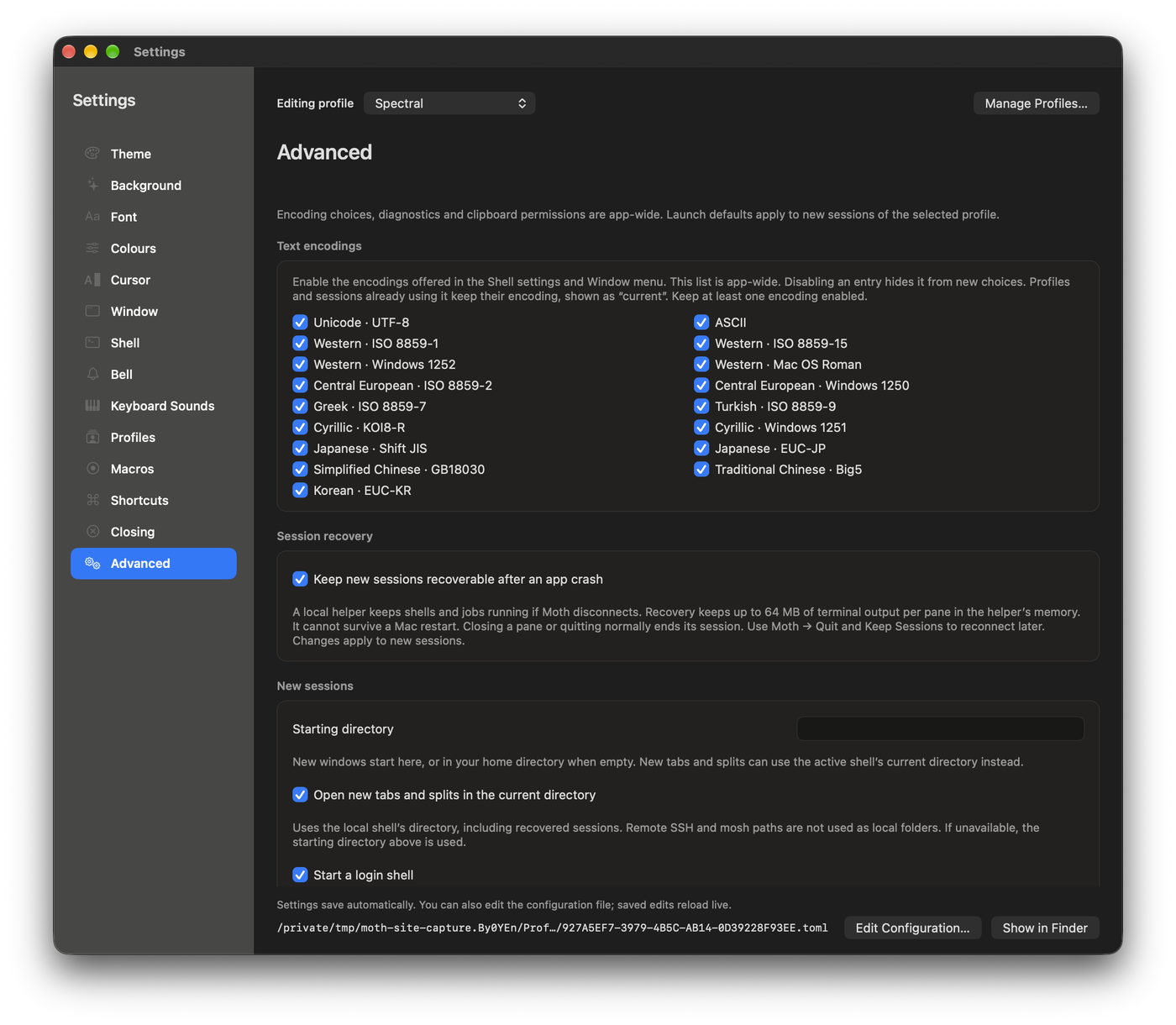
Search terminal output with regular expressions and move through matches from the keyboard. Set environment variables and a starting directory for new shells, choose a text encoding for older tools, and drop files into a pane to insert their shell-quoted paths.
Save scrollback or selected text, or record raw output to a log folder. Clipboard writes from terminal programs are off by default, and Secure Keyboard Entry is available from the Moth menu. Close confirmations can check which local programs are still running.
Advanced settings and session controlsDisplay images with img2sixel image.png, use full RGB colour in your command-line tools, or edit the sixteen ANSI colours in your theme. Wumpus Mono Pro, JetBrains Mono and IBM Plex Mono are bundled, with automatic Nerd icon fallback and Powerline separators drawn to fit the character grid.
Start with a light or dark theme, follow your Mac’s appearance, or choose your own colours. Opacity, frosted glass and the optional moving background are all in the same Settings window.
If you want different windows to look or behave differently, save a profile for each. Profiles remember fonts, colours, shell and starting directory. You can also save a tab and split arrangement, then reopen it with ⌘⇧R.
Appearance settings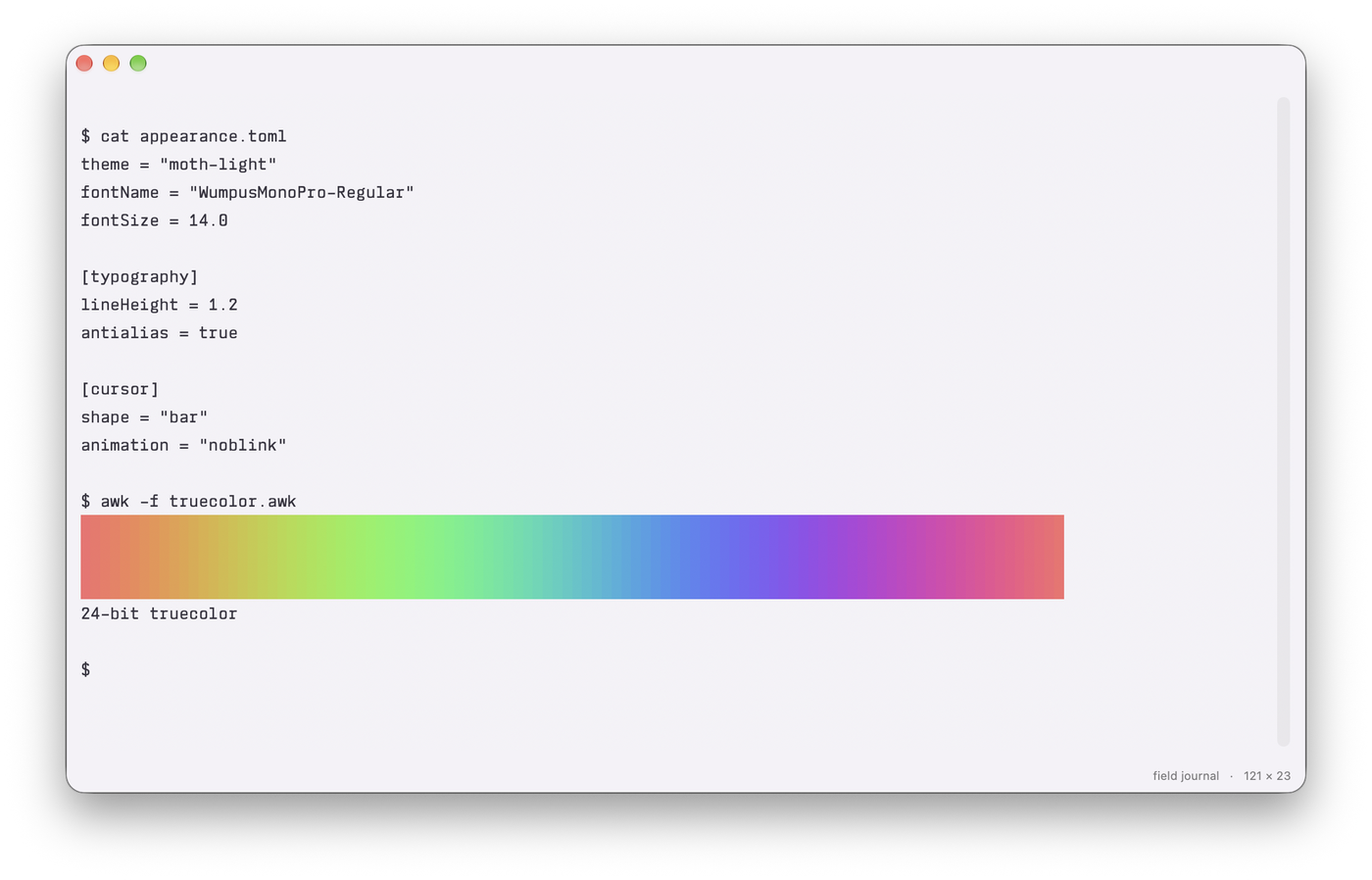
Moth runs your shell locally through a PTY, with SwiftTerm handling terminal emulation. A local helper keeps sessions alive if the app crashes, so Moth can reconnect without rerunning commands. CoreText and CoreGraphics draw the text, and Metal draws the optional moving background.
Mouse reporting, bracketed paste, selection and scrollback work alongside configurable text encodings. The manual explains how scrolling behaves in mosh and tmux, including what Moth can keep in local history.
Measurements of Moth 0.27.4 (969df145b6a9), build 64, covering the application process and excluding session helpers. Results are medians from three runs per configuration on an 11-core M3 Pro with 18 GB RAM and macOS 27.2.1. Each run used one 128 × 33 terminal with Wumpus Mono Pro at 14 pt and a clean zsh. Startup was measured with warm caches, and CPU figures are percentages of one core.
| Measurement | Effects off, steady cursor | Default animation |
|---|---|---|
| Idle CPU | 0.53% | 3.69% |
| Idle footprint | 103.7 MiB | 168.6 MiB |
| Warm shell ready | 0.525 s | 0.578 s |
| Plain PTY throughput | 7.40 MiB/s | 7.05 MiB/s |
The measured app bundle’s files occupied 20.3 MiB. Measurements cover warm-cache launch, PTY throughput and idle resource use. Battery life and input latency were not measured. Read the method and full results.
For Apple silicon Macs running macOS 13 or later.
Download for Mac